Filing Kra Returns 2026
Filing KRA returns in Kenya can feel overwhelming if you aren’t keeping up with the latest changes. With KRA rolling out auto-populated returns for the 2026 tax year, whether you’re working on your personal PIN returns or are in charge of a company’s monthly and annual filings, it’s really important to know what’s new and what’s expected. Staying compliant and steering clear of penalties requires some know-how. In this guide, I’ll break down the basics, go through the types of returns, talk about KRA’s auto-fill changes, and share practical tips to keep your tax process calm and mistake-free.
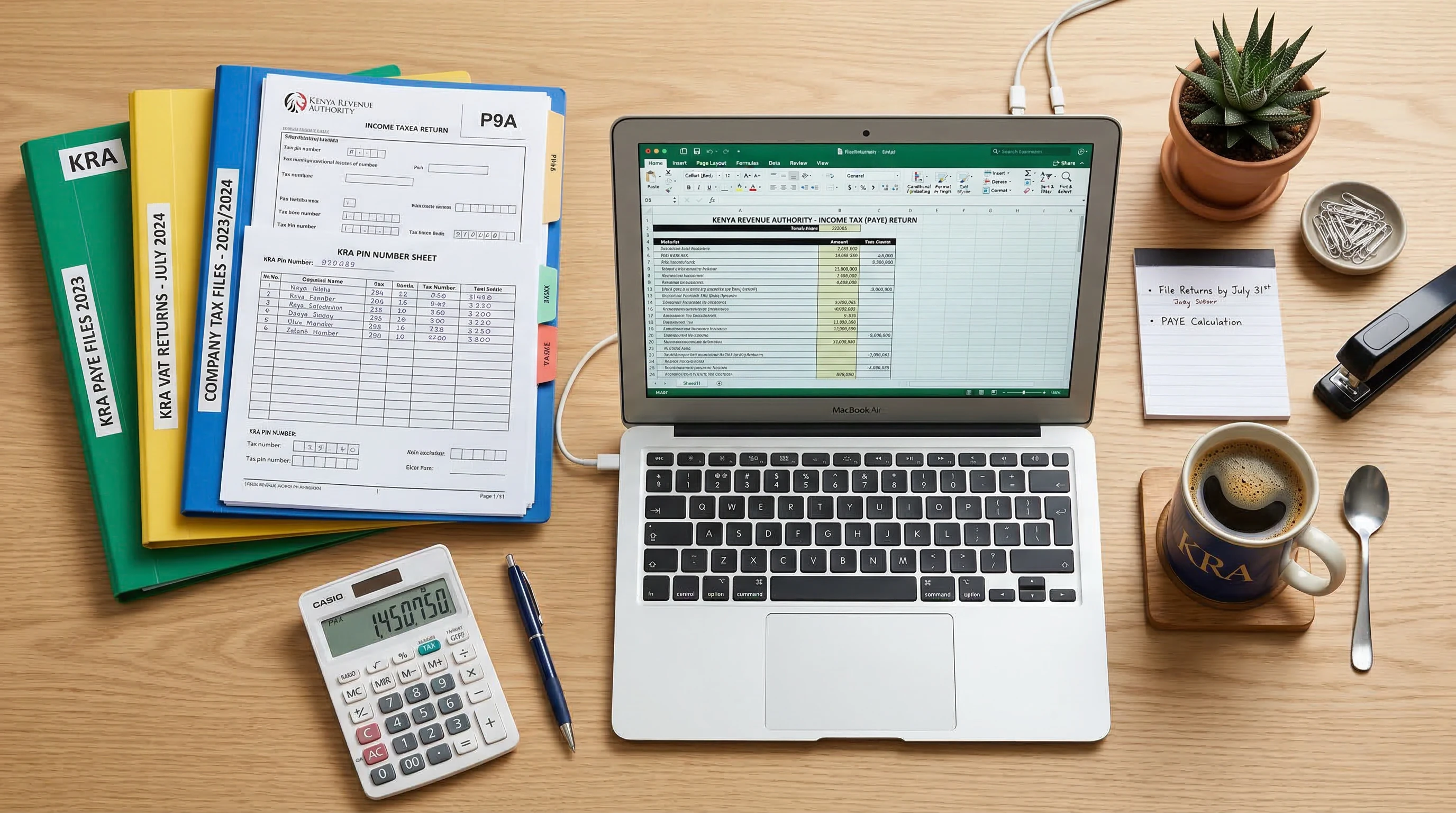
Understanding KRA Returns: Personal vs. Company
The KRA (Kenya Revenue Authority) return system works differently for individuals versus companies. Here’s a quick guide to setting expectations and figuring out your requirements.
- Personal KRA PIN Returns: If you’re employed, selfemployed, or even if you didn’t make any income in the year, you need to file an annual individual tax return. This happens every year before the June 30th deadline after the tax year ends.
- Company Returns: Companies have more to track. There are monthly returns, like for VAT, PAYE, and withholding tax, along with annual returns that summarize income and payments. Missing these can mean hefty fines.
It’s super important to know if you should file as an individual or a company before starting your tax journey. As policies change and business types multiply, always check whether your work or side hustle pushes you into a new category. If you’re unsure, ask KRA or get advice from a tax professional.
What’s New in 2026? KRA’s Auto-Populated Returns
KRA is rolling out a fresh approach for 2026 with auto-populated annual returns. Instead of typing in everything by hand, KRA automatically applies info from your employer, pension provider, or bank (for interest earnings). This can seriously speed things up. However, it puts more on you to double-check everything for accuracy. KRA’s system may show your salary, taxes paid, and other common income, but you’ll need to add anything else—like hustle cash, rental income, or freelance profits.
Ignoring or missing these auto-populated entries can lead to overpaying taxes or leaving your records incomplete, which can come back to bite you. Always organize all your financial paperwork before logging in so you can quickly spot any mismatches. Being thorough here will save you headaches down the line, so don’t skip this step.
How to File Your KRA Returns Online for 2026
Filing online through the iTax portal is pretty straightforward with a bit of prep. Here’s a checklist to help you avoid the common mistakes I hear about:
- Gather Your Documents: Bring together your P9 for employees, bank statements for interest income, pension paperwork, and anything else that’s relevant. For companies, line up VAT receipts, payroll records, and payment proof.
- Access Your iTax Account: Visit the KRA online portal, enter your PIN and password, and sign in. If you’ve forgotten your login, use the reset feature—just make sure your email is current.
- Review the Auto-populated Return: Check KRA’s estimated return. Go through every bit and correct or add info as needed. Don’t rush—accuracy matters.
- Add More Details: If you have extra income, like rental proceeds or business profits, put them in the “other incomes” area. Remember, you can claim deductions for insurance, mortgage interest, and pensions.
- Validate and Submit: Double-check your entries, then hit ‘Submit’. The system will give you an e-Return Acknowledgment Receipt—download and save it for your records in case you’re ever asked to provide proof.
The same idea goes for company VAT, PAYE, and other monthly filings. Draw your data from up-to-date accounting records so your numbers stay accurate. If you handle your record-keeping month by month, filing all types of returns becomes a routine—rather than a race against the clock.
Common Issues When Filing KRA Returns (And How To Fix Them)
Most taxpayers stumble into the same roadblocks every year. Here are common problems and how to get past them:
- Auto-Populated Errors: Sometimes KRA uses the wrong employer figures, so taxes or pay numbers don’t line up. Always check against your P9 and bank statements. If anything is off, update those fields yourself.
- Forgotten Deductions: If you skip reliefs like insurance, mortgage interest, or education fees, you’ll pay more tax than required. Hang on to receipts and enter each deduction in its correct place.
- Nil Returns When Unemployed: Even without income, you must submit a Nil Return. Skipping this step still triggers penalties and complicates your PIN’s standing.
- Filing the Wrong Return Type: Young directors and selfemployed folks sometimes mix up company and personal return forms. Know the rules for your role, and if in doubt, check first.
Tackling mistakes early keeps your compliance intact and keeps you on KRA’s good side. Rechecking each number once before submitting can save a lot of money in the long run.
Tips To Make Filing Easier
Nervous filers often just need a system. Here are some handy filing hacks to keep stress low:
- Use a digital folder (Google Drive or Dropbox) for your tax stuff all year, not just in March or June. It beats scrambling for invoices last minute.
- For business owners, update your accounts monthly. It turns monthly returns into a quick task and breaks up the annual workload into easier chunks.
- If something confuses you, ask a professional (from Diva-links.com or KRA’s helpline) before submitting. Don’t second guess—get facts instead.
- Set electronic reminders for crucial deadlines. Mark June 30 for personal annual returns, the 20th for monthly VAT and PAYE, and watch for company annual returns six months after your close of books.
Organization means fewer headaches and less chance of paying penalties come tax season. You’ll also free your mind from constantly worrying about missing documents or looming dates.
Frequently Asked Questions About Filing KRA Returns
I get the same set of questions each filing season, so here’s what many Kenyans are curious about going into 2026:
What if KRA’s auto-populated return has major errors?
Check every detail against your documents, especially your P9. Change anything that doesn’t match before you hit submit. It’s always on you to make sure the return matches your reality.
Can I file on my phone, or must I use a computer?
The iTax portal often works on newer smartphones, but document uploading can be tricky on a tiny screen. A computer offers a smoother process overall.
Is there a penalty for late filing?
There is. Individuals pay up to Ksh 2,000 for late yearly returns, and companies up to Ksh 20,000, plus the risk of extra interest charges for late tax payments or VAT.
What should I do if I spot a mistake after submitting?
You can file an amended return through iTax. Click the amendment option, upload documents with corrections, and write a brief explanation if necessary.
Who can guide me if I’m totally stuck?
A registered tax expert, like those at Diva-links.com, can take over if you get lost. Stick to verified professionals or KRA direct; don’t risk your records on social media advice or unknown online operators.
Why It’s Worth Getting Help
KRA’s 2026 season changes make filing easier but also require you to be sharper than ever. If you’re selfemployed, juggle multiple income sources, or run your own company, getting a tax pro in your corner can actually save you cash while keeping you on the safe side of compliance. At Divalinks, I guide clients through annual and VAT return filing, always aiming for clear, timely, accurate results.
Staying in the know about KRA’s latest tools, making time for a careful review, and staying organized will all save you big headaches. File early and review your numbers against official proofs—don’t count on the auto-filled stuff alone. When unsure, it’s worth checking out expert help. A little guidance might be all you need to make tax season drama-free and even save a bit more come June!